
Weekly brief · Week of 16 November 2026
Fake outage notices, a $199,830 email and blocked mail: what to check
By efex. Last updated .
Friday's Microsoft 365 outage disrupted organisations across Australia, and criminals were quick to use it. This week's brief covers the fake outage notices that followed, Outlook and Chrome flaws already being used in attacks, a $199,830 settlement fraud and why some business email bounced. Each story ends with one thing to check.
In this brief
After the Microsoft 365 outage, the fake outage notices

On Friday 13 November, a global Microsoft outage disrupted email for most of the Australian working day. From about 3:15am AEDT, Outlook stopped sending and receiving email and calendars stopped updating. Teams scheduling, SharePoint, OneDrive, Copilot and other Microsoft 365 services were also affected. People whose sign-in codes arrive by email couldn't get them, which locked them out of other systems too.
Millions of Australians were affected. The Australian Federal Police and ASIO confirmed they were hit, Canberra Health Services lost email, courts in South Australia and Victoria reported problems, Service NSW closed some regional centres, and small businesses lost access to the orders and invoices they run through Outlook. Microsoft said there was no indication of a cyber attack. Email was still being restored on Friday night, and Microsoft reported service restored to all customers on Saturday, about 36 hours after the problems began. Microsoft has since explained the cause: a fault in its network gateway servers, introduced by a fix it had been rolling out since July, that went unnoticed for more than three months.
Criminals moved quickly to use the disruption as cover. By the next day, Microsoft's own threat intelligence team had found phishing emails disguised as Microsoft 365 service notices. They quoted the genuine outage incident number and claimed that email held during the outage would be deleted within 24 hours unless the reader clicked a link to restore it. The sender names were tailored to each organisation, and the subject lines read "Outage - " followed by a six-character code. Microsoft said these emails targeted organisations in the US and were likely designed to steal sign-in details.
In Australia, ING warned customers that scammers may contact them offering to fix Microsoft or other system problems, and advised them not to let anyone access their devices without first checking with the organisation.
Why it matters
After Friday, staff are expecting messages about missing email, so a fake notice is easy to believe, and a 24-hour deadline is designed to make them click before they check. A stolen Microsoft 365 sign-in gives a criminal the same access as your staff member: they can read that person's email, open the files they can open, and send email from their genuine address to clients and suppliers. Email from a real account is far more convincing than a fake one, which is how payment frauds like the one in story 3 can begin. Cleaning up means locking the account, working out what was read or sent, and, if personal information was exposed, possibly notifying the people affected and the Office of the Australian Information Commissioner.
Check this week
Send staff a short reminder today (a ready-to-send version is below). Ask your IT team or provider whether your email system checks links when they are clicked, not just when the email arrives, and whether it is set up to do so.
A message you can send your staff today
Subject: Fake "outage" emails and calls this week
After Friday's Microsoft outage, scammers are sending fake emails that look like Microsoft service notices. They say email held during the outage will be deleted unless you click a link. Please don't click links in any email about held, missing or deleted mail, and don't give anyone who calls offering to fix a Microsoft problem access to your computer. If you're unsure whether a message or call is genuine, check with [IT contact] before you act. If you have already clicked a link or entered your password, tell [IT contact] straight away so your account can be secured. Please report anything suspicious as soon as you notice it, even if you're unsure; early reports help us protect everyone.
Updates
Outlook and Chrome flaws are already being used in attacks
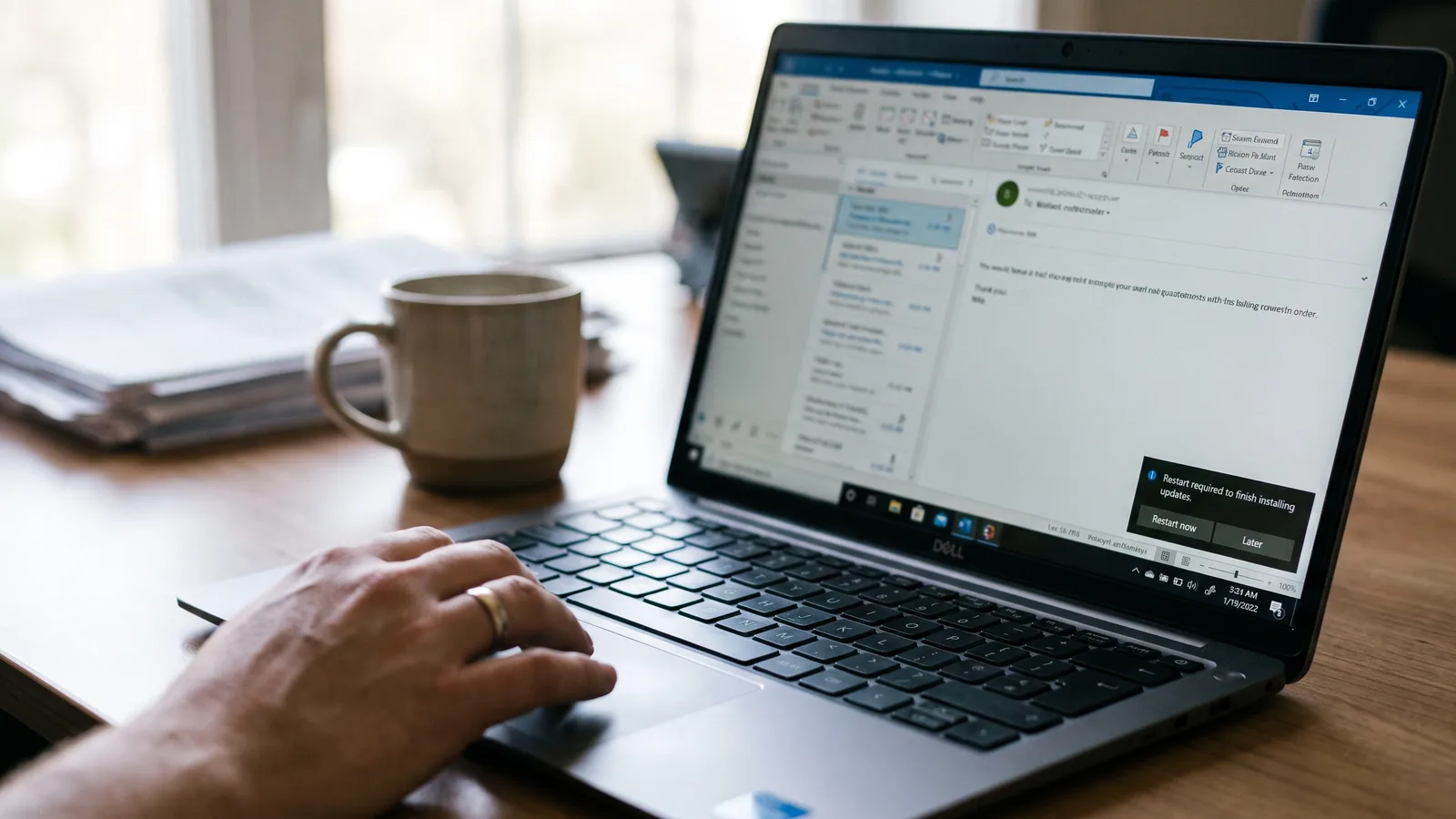
Every month, Microsoft releases a bundle of security fixes for Windows, Office and its other software. November's bundle, released on 10 November (US time), fixes 1,093 weaknesses, 63 of them rated critical. Most fixes close gaps that nobody is known to be using yet. One is different: a flaw in Outlook that criminals were already using before Microsoft had a fix. It works through an ordinary-looking Office attachment. If a staff member opens a booby-trapped Word or Excel file, the attacker can capture a code that stands in for that person's password and use it to pose as them in further attacks.
The same week, Google released an update for its Chrome web browser, which staff use for everything from online banking to your business's cloud systems. It fixes nine flaws, including one that attackers are already using. Google hasn't said how the attacks work or who was targeted, and it is the eighth time this year Google has had to fix a Chrome flaw that was already under attack, so Chrome updates need installing as soon as they arrive.
Google's threat intelligence team has also warned that attackers may use AI to work out the weakness behind a new fix, which could shorten the time between an update being released and the first attacks.
Why it matters
Microsoft's updates often need the computer to restart, and Chrome's update only takes effect once the browser restarts. Until then, neither fix protects anyone. A laptop that hasn't been restarted in weeks, or updates held back for a convenient moment, leave the flaw open while attackers are already using it. Updates that are set to install automatically still need someone to confirm they did.
Check this week
Ask whoever manages your computers to confirm, in writing, that November's Microsoft updates are installed on every computer and server, including email servers, and that every staff browser is on the latest version and has been restarted onto it.
Payments
One intercepted email thread cost a home buyer $199,830

WA ScamNet says a West Australian property buyer lost $199,830 in September after scammers intercepted emails between the buyer and their mortgage broker, then posed as the broker from a false email address and redirected the settlement funds. The money appears to have gone to the bank account of a company that had stopped trading.
Three property payment redirection scams have been reported in WA this year, with losses of more than $330,000, and eight settlement agents have reported clients being targeted. In one, a buyer lost more than $110,000 after a scammer impersonated their settlement agent.
WA's Consumer Protection commissioner, Trish Blake, urged people to verify all payment requests, saying a simple phone call or in-person check of bank details could prevent large losses. The regulator also advised turning on multifactor authentication for email and banking accounts. Nationally, payment redirection scams cost Australians $166.8 million in 2025, up 9.3% on 2024 (National Anti-Scam Centre).
Why it matters
Scams like this work because the fake email arrives inside a real conversation, at the moment a payment is expected. Any organisation that sends or receives large payments by email is exposed: accounting and law firms, brokers, practices paying suppliers and schools paying contractors. If a fake email that appears to come from your business persuades a client to pay a scammer, the client loses the money and your business loses their trust.
Check this week
Confirm multifactor sign-in is on for every email account. Make sure nobody changes a supplier's or client's bank details without calling them on a number you already hold, not one from the email. And tell clients in writing that your bank details will never change by email.
Email delivery
Why some emails to Outlook and Hotmail addresses bounced

Earlier this month, some organisations found their emails to customers and suppliers with Outlook.com, Hotmail or Live addresses were being returned undelivered. Microsoft says a change to the spam rules that protect those mailboxes wrongly blocked legitimate email between 6 and 9 November (UTC). It has since rolled the change back. Email security company EasyDMARC reports that email from organisations without a DMARC record appears to have been hit hardest; Microsoft hasn't explained why some senders were affected more than others.
DMARC is one of three settings, with SPF and DKIM, that your IT team or provider publishes for your email domain. Together they let other email systems check that a message claiming to come from your business really did. If it didn't, DMARC tells those systems whether to send it to junk or block it. Australia's cyber security agency, ASD, recommends organisations put DMARC in place on top of SPF and DKIM. Every business that sends email should have all three, whatever its size: they are what email providers look for when deciding whether to trust your messages.
Without them, a scammer can send email that appears to come from your exact address, and your genuine email has less to prove it's real, so it is more likely to land in junk or be blocked.
Why it matters
Email providers are tightening their filters to stop scam email, and email that can't prove it's genuine is the first to be caught, sometimes by mistake, as this month showed. For your business, that can mean invoices, quotes, appointment reminders and results not reaching the people who need them, often without anyone noticing until a client asks where something is. The same gap lets criminals send email that looks like it came from you, which is the starting point for scams like the one in story 3. Setting all three up protects both your email delivery and your reputation, and it doesn't take long.
Check this week
Ask your IT team or provider whether your email domain has DMARC, SPF and DKIM set up, and whether anyone checks the reports DMARC produces. If emails to Outlook or Hotmail addresses bounced this month, keep a copy of the bounce message to help them find the cause.
Don't let your email get blocked.
We can check your domain and set up DMARC, SPF and DKIM quickly and easily, so your email keeps reaching customers and scammers can't easily pose as your business.
Check my email set-upStat of the week
2,117
The average number of cyber attacks Australian organisations faced each week in October, 39% more than a year earlier. The figure counts attacks Check Point recorded, not successful breaches.
(Source: Check Point Research, reported by SecurityBrief Australia, 12 November 2026)
Ask your IT team or provider: What was blocked for us last month, and what needed action?
Key numbers
What to check this week
- 1.Warn staff about fake outage notices and calls. Send the short message in story 1 today.
- 2.Check service notices with IT. Genuine Microsoft 365 service updates can be confirmed by IT in the admin centre, not through a link in an email.
- 3.Confirm updates actually installed. Ask for written confirmation that November's Microsoft updates are on every computer and server, and that browsers have restarted onto the latest version.
- 4.Lock down bank detail changes. No change to a supplier's or client's bank details without a call to a number you already hold.
- 5.Turn on multifactor sign-in for every email account, including shared mailboxes and accounts used by finance.
- 6.Don't let your email get blocked. Ask whether DMARC, SPF and DKIM are set up for your domain and whether anyone reads the reports.
The check worth making
None of this week's stories involved new technology. Scammers copied Microsoft's service notices and a mortgage broker's emails, and attackers used flaws in software almost every business opens every day. Meanwhile, Microsoft's tougher spam filtering showed that email which can't prove where it came from is increasingly treated as suspect.
The protection is the same each time: check at the source. Confirm a service notice with IT rather than through a link in the email, ask for proof that updates have installed, phone a number you already hold before any bank details change, and make sure your own email has DMARC, SPF and DKIM in place.
To understand how at risk your business is from a cyber attack, take our free 3-minute cyber self-check. It shows your current risk areas and what to fix first.
Free cyber audits are available until 30 November 2026.
Questions people ask
Microsoft said there was no indication of a cyber attack. Outlook, email and other Microsoft 365 services were disrupted from about 3:15am AEDT on 13 November, and Microsoft reported service restored to all customers on Saturday 14 November, about 36 hours after the problems began. Microsoft later said the cause was a fault in its network gateway servers, introduced by a fix it had been rolling out since July.
After the 13 November outage, Microsoft reported phishing emails copying its service health notices, quoting the real incident number and threatening to delete held mail within 24 hours. Treat any email like this with suspicion and don't click its links. Ask your IT team, who can check service status in the Microsoft 365 admin centre.
Chrome 157.0.8103.50 or .51 on Windows and Mac, and 157.0.8103.50 on Linux, released on 10 November 2026. The update applies once the browser restarts, so check the version under Settings, About Chrome.
Turn on multifactor sign-in for every email account, tell clients in writing that your bank details will never change by email, and confirm any request to change payment details by calling a number you already hold. Payment redirection scams cost Australians $166.8 million in 2025, according to the National Anti-Scam Centre.
Between 6 and 9 November 2026, Microsoft says a change to its spam rules wrongly blocked legitimate email to Outlook.com, Hotmail and Live addresses; the change has been rolled back. Email providers increasingly use three settings, DMARC, SPF and DKIM, to decide whether to trust email, and ASD recommends organisations have them in place. Ask your IT team or provider to check all three are set up for your domain.
Sources
ABC News, 13 November 2026 (Microsoft outage) · ABC News live coverage, 13 November 2026 · ABC News, 13 November 2026 (Microsoft reliance) · The Register, 13 November 2026 (updated) · Insurance Business, 13 November 2026 · iTnews, 14 November 2026 · Tenable, 10 November 2026 · SecurityWeek, 10 November 2026 · Cyber Daily, 13 November 2026 · National Anti-Scam Centre, Targeting Scams Report 2025 · EasyDMARC, 9 November 2026 (updated 10 November) · ASD, How to combat fake emails · CSO Online, 15 August 2019 · SecurityBrief Australia, 12 November 2026 · DmarcDkim.com, DMARC adoption in Australia, 16 November 2026 · iTnews, 16 November 2026 (outage cause) · The Hacker News, 16 November 2026 (Google Threat Intelligence Group)